Dashboards·terminal · mobile·MIT
skyward
Live pane of your Skyward cloud computes: nodes, GPU, cost, tasks and logs.
skyward puts a live view of your Skyward computes in a pane beside the Claude Code transcript. Run /sky and you see every compute the local Skyward daemon knows about, with its nodes, GPU, hourly rate and spend, and you can open one for per-node metrics, tasks and logs.
Skyward itself is a Python library for ephemeral accelerator compute: you decorate a function, declare a provider and a GPU, and it provisions machines on AWS, GCP, RunPod, Hyperstack, TensorDock, VastAI or Verda, runs the function and tears the machines down when the context manager exits. The mod does none of that. It reads what the daemon reports and lets you delete or resize a compute and kill one of its nodes.
What it does
- Compute list. One row per live compute: state with ready and total nodes, GPU, provider, dollars per hour, cost so far and age, with totals underneath, plus the five most recently ended computes. Columns drop by priority when the pane is narrow.
- Compute detail. Click a name. The header shows nodes by stage, spend and hourly rate, average CPU, GPU, memory and disk over the live nodes, and an idle warning when GPU use has stayed under 5 percent for two minutes.
- Nodes. Four per page, each with CPU, GPU, memory and disk. The heading counts them by what they are doing (
2 active · 1 bootstrapping · 2 stopped · 4 failed) and each count filters the list to its group. Expand one for ten-minute sparklines of CPU and GPU with network, VRAM, temperature and power, plus its address and machine type. Akillbutton beside a live node’s logs drains it and destroys its machine after a confirmation; a new node takes its rank if the compute still wants the capacity. - Tasks. Five per page, sorted by state, submission or finish time, filterable by function name, with attempt counts and the last error.
- Log. The last 20 daemon events for the compute, filterable by node, task or text, paging back to older entries.
- Delete and scale. A delete button with a confirmation step sends the request to the daemon. A scale button beside it opens
minandmaxfields with the bounds in force; an empty field keeps its bound, and a value that is not a count or a floor above the ceiling is refused before anything is sent.
Install
Needs Claude Code 2.1.287 or later and a running Skyward daemon. The README does not declare a minimum Claude Code version. Skyward needs Python 3.12 or later and credentials for a cloud provider; install it with uv add skyward.
claude plugin marketplace add gabfssilva/skyward
claude plugin install skyward@skyward
Run /sky to open the pane and /sky again to hide it. If the daemon is not reachable, the pane says so and prints the command it expects you to run, sky server start. The README covers the library, not the daemon, so check the Skyward documentation for how it runs.
How it works
The module registers /sky on session.start. Opening the pane starts a timer that polls the daemon’s HTTP API on 127.0.0.1:17590 every 3 seconds: two requests for the list, and for a detail view the compute, its nodes, the latest metrics, a metric series in 30-second buckets, the tasks page with per-state counts, and the log page. Closing the pane cancels the timers and forgets the view.
Nothing is written to disk and nothing leaves your machine from the mod itself; the daemon is what talks to cloud providers. The only writes are the delete, the scale and the node kill, each sent with an If-Match revision header and an idempotency key, retried up to five times if the daemon reports a conflict. The daemon refuses to scale a collective compute, and the pane shows its reason. The pane adds no tokens to the session. The plugin also ships skills for the Skyward Python SDK and the sky CLI, and a skill does add its instructions to the context when you invoke it.
Limitations
- The pane only shows data while the daemon answers; without it you get an error line and the start hint.
- On mobile there are no text inputs, so the task and log filters work only through the logs buttons on nodes and tasks, and a compute cannot be scaled from the pane; use the
skyCLI or the web console. - Version 0.1.0, declared tested on no particular Claude Code version by the author. The 6 GitHub stars belong to the Skyward library repository, not to the plugin on its own.
- The repository’s demo GIF shows the Python library in the terminal, not the pane, so there is no screenshot of
/skyyet.
Similar Claude Mods
Flightdeck
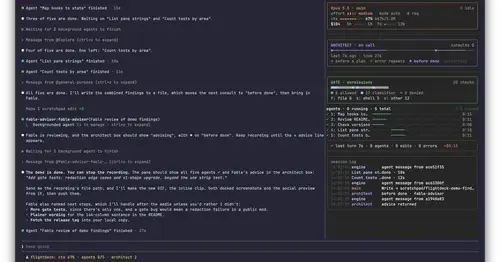
Subagents, permission checks, advisor consults, context and cost, live in a pane.
token-weather-usage
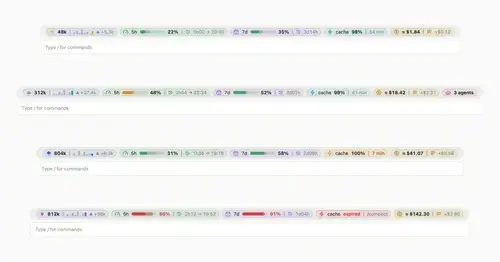
Context, 5-hour and 7-day limits, cache countdown and cost on one line above the prompt.

savvy-progress
Running, finished and planned subagents with model, context, cost and time, in one panel.
mission-control
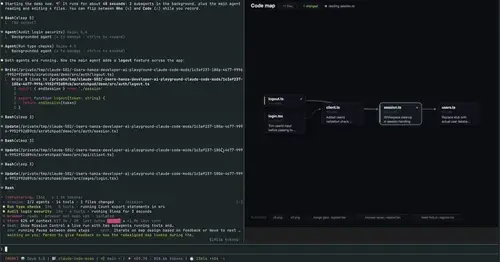
Main agent, subagents and every tool call in a pane, plus a map of the files they touch.
Popular Claude Mods
The whole directory →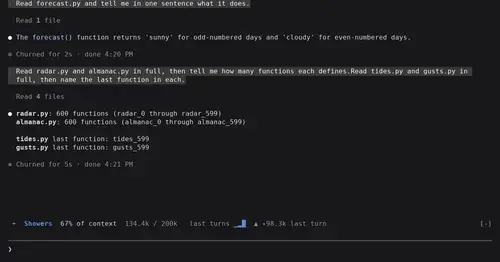
token-weather
Context window fill as a weather forecast above the prompt, with a chart of recent turns.
filetree
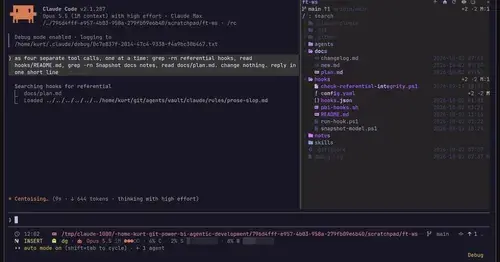
Sidebar file tree with git status that lights up what Claude reads, edits and commits.
storybloq
A board of the tickets and issues kept in .story/, in a pane beside the transcript.
paste-preview
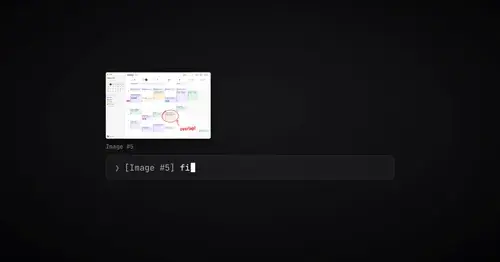
Thumbnails of pasted images, plus an editor to circle what matters before Claude sees it.