Games·terminal·MIT
cc-dino
The offline dinosaur above the prompt, local only: no leaderboard, no network.
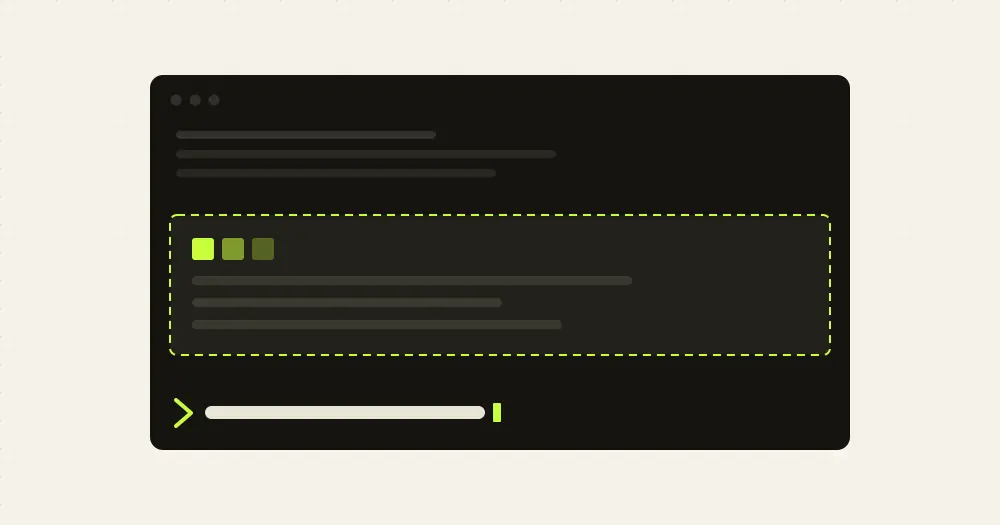
cc-dino by manfye runs the Chrome offline dinosaur above the Claude Code prompt. Run /dino, click the board, and jump cacti and duck pterodactyls while Claude works. When Claude finishes a turn the run pauses and the status line says so. The plugin answers every key itself, so playing costs no tokens.
It is one of two mods with this name. The other, cc-dino by Giovanni Borgogno, posts runs to an online leaderboard. This one never leaves your machine: no handle, no server, no network calls at all. The author notes it is a clone of the genre, not affiliated with or endorsed by Google.
What it does
- Controls. Space, ↑,
w, Enter or a click jumps, and starts the next run after a crash. ↓ orsducks for about 0.6 seconds, because a terminal reports no key release; press again to stay down.ppauses,rrestarts, Esc gives the keyboard back to the prompt. - Obstacles. Small cacti, tall cacti and three-wide clusters. Pterodactyls appear from 200 points: a low one has to be ducked or jumped, a high one only catches a dino on its way up.
- Speed. The world starts at 0.45 cells a frame and speeds up with distance until it caps at 1.2 in the code, about 36 columns a second. The gap to the next obstacle grows with the speed, so there is always room to land and jump again.
- Night. Every 700 points the border turns blue and stars come out. The counter blinks at every hundred.
- Best score. Kept in the plugin’s store, so it survives restarts and is shared by every session.
/dino resetclears it./dino stopor the close button closes the board. - Fit. The board takes 20 to 96 columns and up to 9 rows of sky. The jump goes as high as the board allows but always lasts 20 frames, so the gaps do not depend on the terminal’s height.
Install
Needs Claude Code 2.1.287 or later, an interactive terminal that reports the mouse (one click gives the board the keyboard) and a font with block-drawing characters.
claude plugin marketplace add manfye/cc-dino
claude plugin install cc-dino@cc-dino
Start an interactive session and run /dino. Click the board, then press space.
Name clash: the plugin and its marketplace are both called cc-dino, exactly like Giovanni Borgogno’s cc-dino, created the same day. If you already have that one installed, the names collide: keep one, and remove the other with claude plugin uninstall cc-dino and claude plugin marketplace remove cc-dino first. We have not tested what Claude Code does if both are added. That clash is why this page lives at /manfye-cc-dino/.
How it works
register.tsx registers /dino on session.start, answers it on command.run, draws the band on ui.render for the terminal’s AbovePrompt, and bumps a counter on turn.complete that tells the board to pause. The board is a Client surface module on the drawing thread with its own 33 ms frame clock, keys and mouse. When a run ends it posts the score through ui.message, and the hooks module saves a new best to $.store.
It reads no commands, prompts or files and makes no network calls: the only $ calls are the store, the command registry and the UI. The store holds one value, best.
Limitations
- Draws only in interactive sessions: nothing appears in
claude -por the VS Code extension’s chat panel. The author documents the terminal only; the Desktop app’s Code tab is untested. - A band under 9 rows has no room for a jump, and the board prints a message instead of the game.
- Version 0.1.0, two days old. The author warns the API can change between Claude Code releases.
Similar Claude Mods
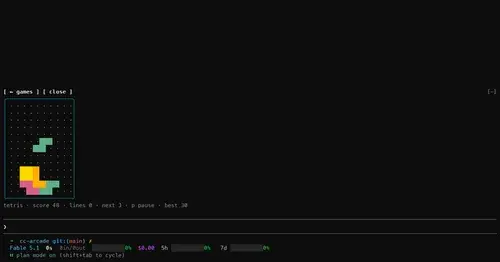
cc-arcade
Nine games and a pet above the prompt, playable while Claude works. Zero tokens.
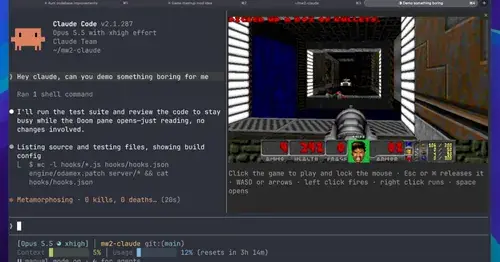
intermission
Multiplayer Doom deathmatch in a pane while Claude works, handed back when it needs you.
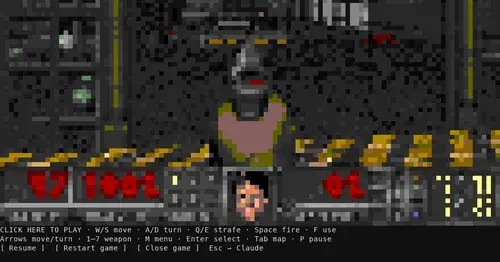
claude-doom
The original Doom engine and Freedoom, playable in a Claude Code pane with /doom.
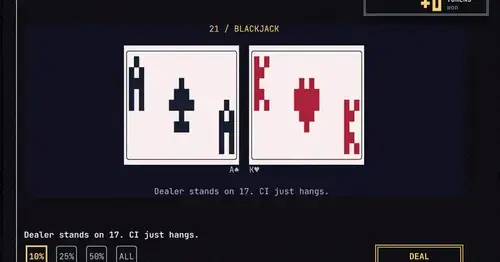
gamble-with-claude-code
Slots, roulette and blackjack, played with the tokens Claude Code burned today.
Popular Claude Mods
The whole directory →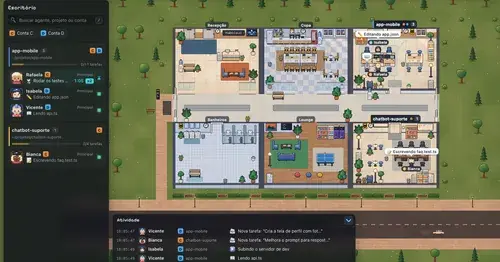
Habblaud
A pixel-art office where each Claude Code agent shows, live, what it is doing.
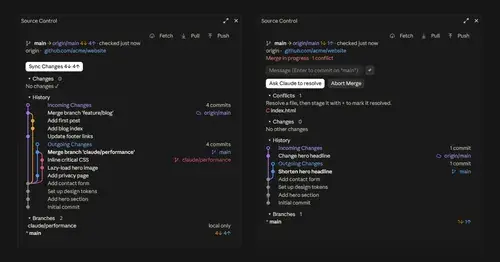
source-control
Git status above the prompt and a VS Code-style panel to commit, sync and resolve.
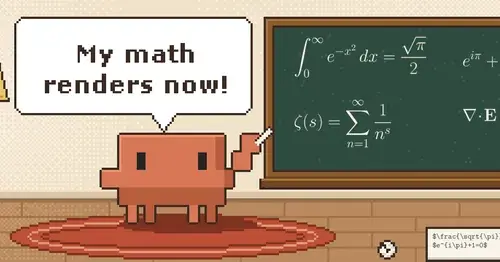
claude-latex
TeX math, TikZ diagrams and LaTeX blocks typeset in Claude's replies, in the desktop app.
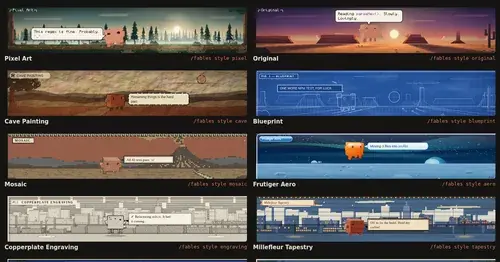
Claude Fables
Short animated cartoons of Claude's work above the prompt, scripted by Sonnet or Haiku.