Dashboards·terminal · desktop·MIT
hourglass
5-hour and weekly limits with a burn rate and a verdict: reset first, or run dry first.
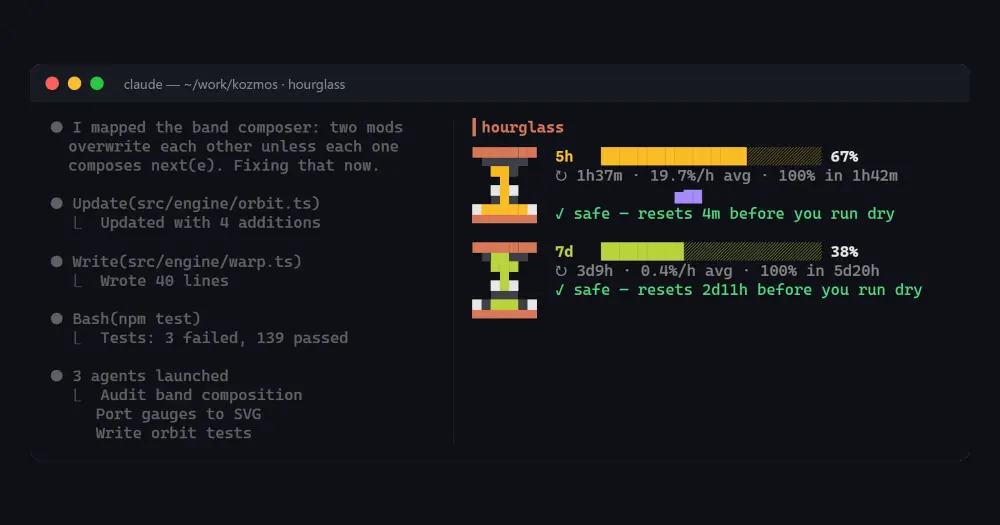
hourglass tells you whether your Claude Code limits will run out before they reset. For each limit window it shows the percent used, the time to reset, how fast you are burning through it and which comes first, the reset or 100 %. /hourglass opens it in a sidebar.
What it does
- Usage and reset. Percent used and a reset countdown for every window Claude Code reports: the 5-hour window, the weekly window and, behind a gateway, a spend limit.
- Burn rate. Percentage points per hour, measured from timestamped samples that persist across sessions within the same window: the last 90 minutes for the 5-hour window, the last 24 hours for the others. Until the samples span 10 minutes it uses the window’s average since it began.
- Verdict. The time to 100 % at that rate, and either “safe” with how long before you would run dry the window resets, or a warning with how long before the reset you hit the limit.
- Reset detection. When the percent drops or the reset time moves, the window’s samples start over.
- Toasts. One per window at 80 % and one at 95 %.
- Status line. With the
statusLineoption it pins a short line such as⏳ 5h 42% · 7d 18%under the prompt.
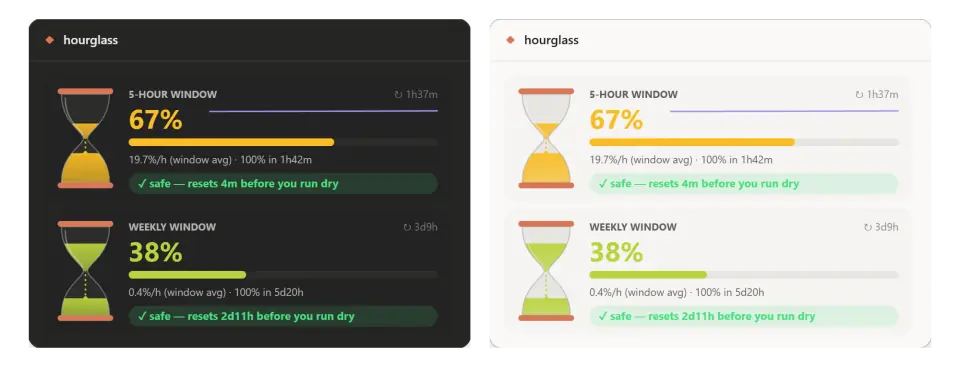
In the terminal each window gets a small pixel hourglass, a bar, a sparkline and the verdict. In the Code tab of Claude Desktop each window is a card whose hourglass holds sand in proportion to the percentage, falling while Claude works.
Install
Needs Claude Code 2.1.290 or later and a Claude subscription. With an API key there are no limit windows to watch, and the sidebar says so.
claude plugin marketplace add ersinkoc/claude-mods
claude plugin install hourglass@kozmos
Run /reload-plugins or start a new session, then /hourglass. The windows appear after the first reply. Two options, both off by default: autoOpen opens the sidebar when a session starts, and statusLine pins the limits line.
hourglass is part of KOZMOS, a collection of 48 mods in the same kozmos marketplace, whose /kozmos hub (kozmos@kozmos) lists the rest.
How it works
hourglass reads the limit windows from Claude Code’s own session usage every 15 seconds, at the end of each turn and whenever the engine reports a change (session.measure). The samples behind the burn rate live in the plugin’s store, so the rate survives a restart. It makes no network calls and adds nothing to the prompt.
Limitations
- The time to 100 % extends the rate measured over the lookback, so it follows a change of pace with some delay.
- The author warns that the mod API may change between Claude Code releases.
Similar Claude Mods
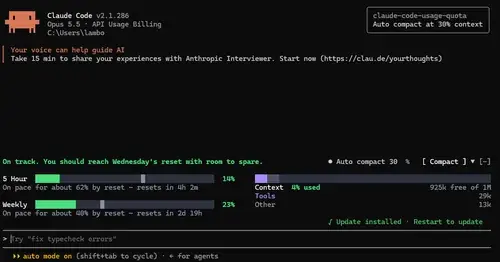
claude-code-usage-quota
5-hour and weekly plan limits, a run-out forecast and the context, with auto compact.
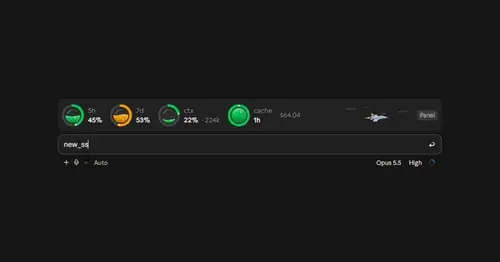
wavy-usage
5h and 7d limits, context and cache as liquid-filled rings above the prompt.

shunt
Shared account pool headroom and reset times from the shunt gateway, at zero token cost.
token-weather-usage
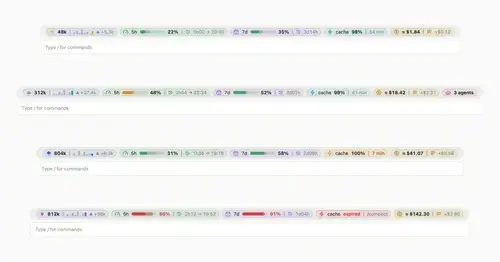
Context, 5-hour and 7-day limits, cache countdown and cost on one line above the prompt.
Popular Claude Mods
The whole directory →RemCTL
Today's Apple Reminders above the prompt, plus tools for Claude to manage them.
effortless
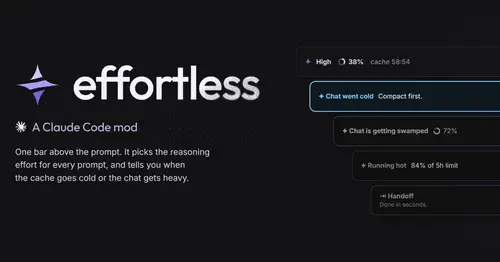
Picks the effort for every prompt and shows how long the prompt cache stays warm.
cc-stretch
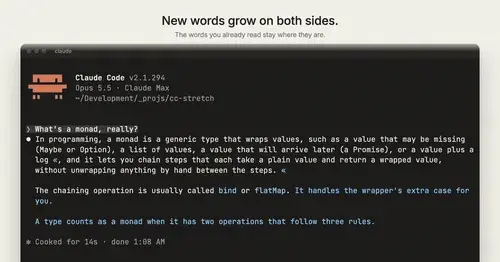
Replies arrive short; click a phrase and it grows in place, click « to fold it back.
token-weather
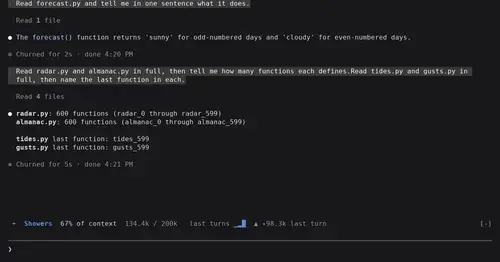
Context window fill as a weather forecast above the prompt, with a chart of recent turns.