Interface·terminal·MIT
command-buttons
Run and Copy buttons under shell commands Claude writes, with hotkeys above the prompt.
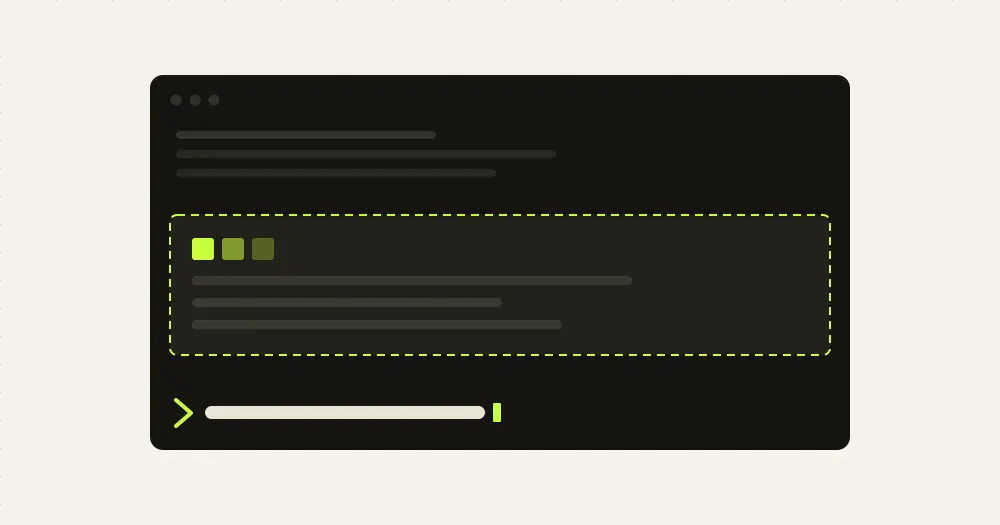
command-buttons puts a Run button and a Copy button under every shell block in Claude’s replies. One press runs the command exactly as Claude wrote it, continuations included, and the output appears under the button. A band above the prompt repeats the latest reply’s commands as hotkeys, so you can also run them without the mouse.
What it does
- Draws a framed row of
▶ Runand⧉ Copybuttons under each shell fence of a reply, with the command shortened to one line beside them. Up to 8 commands per message get buttons;maxButtonschanges that. - Shows the output under the row once the command finishes, up to 6 lines, with a count of the lines left out. A failed command prints in red.
- Mirrors the latest finished reply’s commands in a band above the prompt:
1to9run them,atoicopy them. Up to 9 commands fit in the band. - Asks for a second press on commands that match a pattern of destructive operations. The default pattern covers
rm -rf,delete,destroy,drop table,truncate,terraform applyandterraform destroy,kubectl delete,--force, force pushes,revoke, and a few gcloud IAM and Firestore commands.confirmPatternreplaces it; leave it empty to confirm nothing. - Keeps one state per command, not per button, so a run started from the band shows its output in the message box too, and the other way round.
runInBackgroundruns commands as background Bash calls, so the session stays free while they run.
The three options live in /config or in ~/.claude/settings.json under pluginConfigs["command-buttons@skills-dir"].options.
Install
Needs Claude Code 2.1.287 or later, an interactive terminal, and one of pbcopy, wl-copy, xclip or xsel if you want Copy to work. The author’s own minimum is 2.1.273.
git clone https://github.com/faridmurzone/command-buttons-claude-code.git ~/.claude/skills/command-buttons
claude plugin validate ~/.claude/skills/command-buttons
There is no marketplace. The README’s route is the clone above, into ~/.claude/skills/command-buttons, from where the plugin loads as command-buttons@skills-dir on the next session. To try it from any folder without that, start claude --plugin-dir <path-to-the-clone>. Then ask Claude for a shell command: the buttons appear under the block as soon as its closing fence has streamed in.
How it works
The hook reads the text of Claude’s replies through ui.render for the AssistantMessage component, and again for AbovePrompt to draw the band. It looks for closed code fences whose language is one of bash, sh, shell, shell-session, zsh, console, terminal, cmd, gcloud, or none at all. A fence whose first line looks like pasted output (JSON, a table, a date, a diff) is skipped. Inside a fence, blank lines separate commands, while backslash continuations, pipes, && and heredocs keep a command together, and a block that opens a for, if or while is offered whole.
Pressing Run calls the Bash tool the same way the model does, through tool.call. That means the command follows your session’s permission mode: in the default mode Claude Code still asks you before it runs, and the call lands in the transcript as its own Bash row. The mod itself never asks the model anything. The only extra gate is the confirm pattern: a matching command turns the button into ⚠ Confirm and needs a second press within the session.
Pressing Copy pipes the command into the first clipboard tool found on the machine, trying pbcopy, wl-copy, xclip and xsel in that order. Without one, a toast says so.
The hook makes no network calls and writes nothing to disk. Each command’s armed, running and output state lives in memory for the session, keyed by a digest of its text.
Limitations
- In bypass permissions mode, the button press is the only gate before a command runs. The author points at
confirmPatternas the guardrail there. - With
runInBackgroundon, the inline output shows the tool’s first response, which comes back with a task id, not the final result. Watch the transcript for the rest. - The band only shows finished replies, never the one Claude is still writing, and it steps aside while a permission prompt or a question owns the space above the prompt.
- The
1to9hotkeys work with an empty prompt. Theatoicopy hotkeys need focus on the band first: click it, or pressctrl+x tab. - If the band has no room for a single row, it draws nothing rather than scrolling, because a scrolling band loses its digit hotkeys.
- Copy depends on a Unix clipboard tool. The author lists no Windows equivalent.
- The author flags the plugin as early access; the README explains how to regenerate its types after updating Claude Code.
Similar Claude Mods
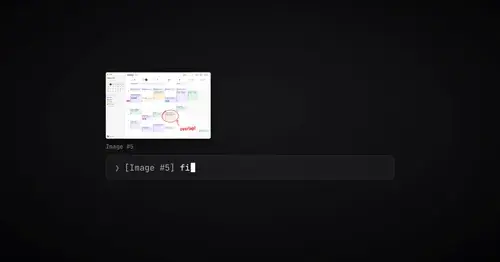
paste-preview
Thumbnails of pasted images, plus an editor to circle what matters before Claude sees it.
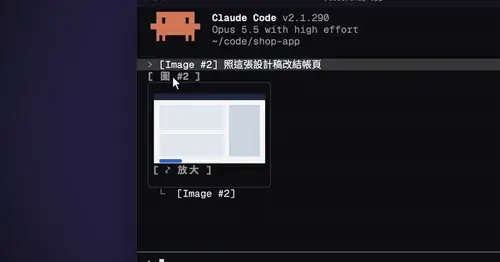
cc-image-view
Thumbnails of pasted images above the prompt and under sent prompts, with a zoom pane.
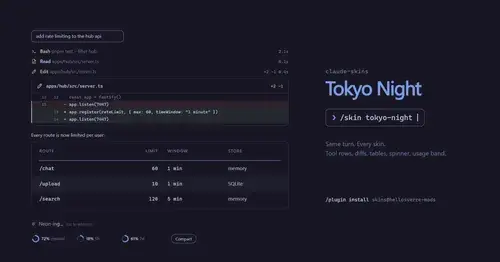
claude-skins
Fifteen transcript skins: timed tool rows, diff, table and chart cards, a usage band.
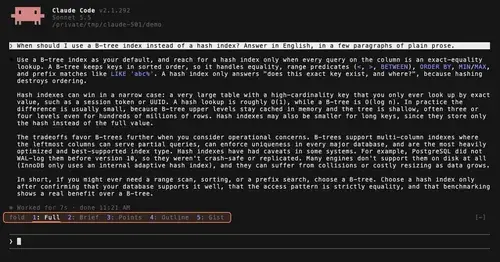
TextFold
Every reply at five levels, from every word to the answer in one sentence. One key each.
Popular Claude Mods
The whole directory →
savvy-progress
Running, finished and planned subagents with model, context, cost and time, in one panel.
codex-computer-use
Claude's computer use on Codex's engine: one session per chat, per-app approval.
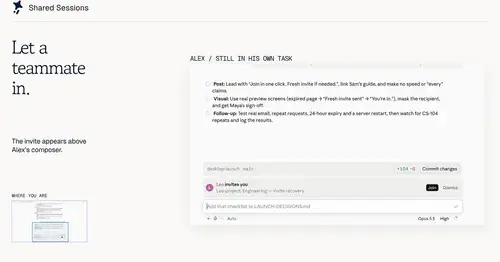
shared-session
Share a session by link: teammates join from their Claude Code and prompt it live.
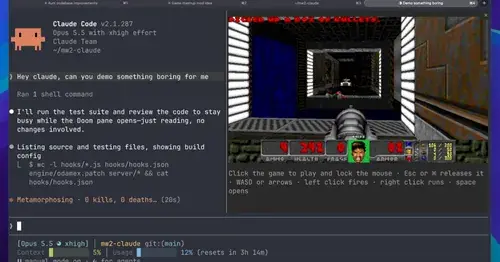
intermission
Multiplayer Doom deathmatch in a pane while Claude works, handed back when it needs you.