Games·terminal·MIT
cc-subway
Subway runner in a pane beside the transcript, playable while Claude works. Zero tokens.
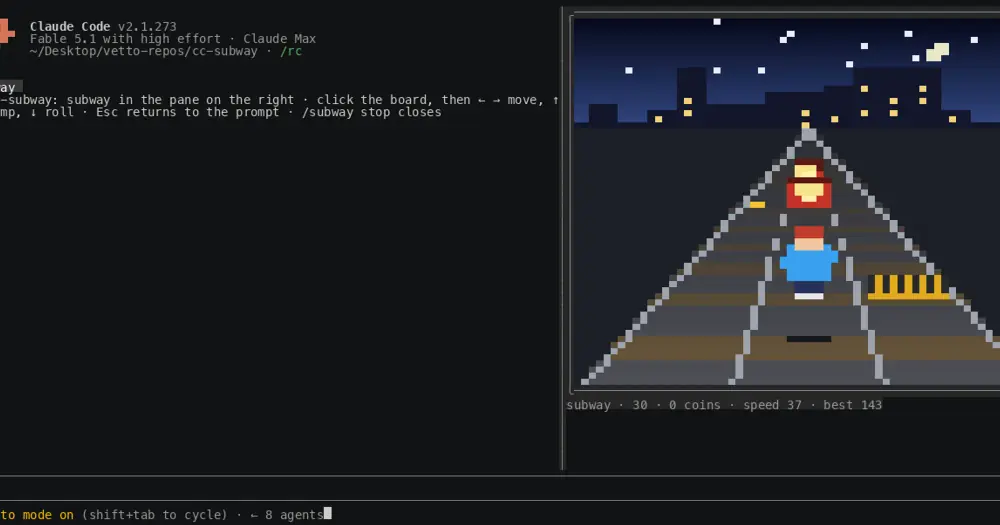
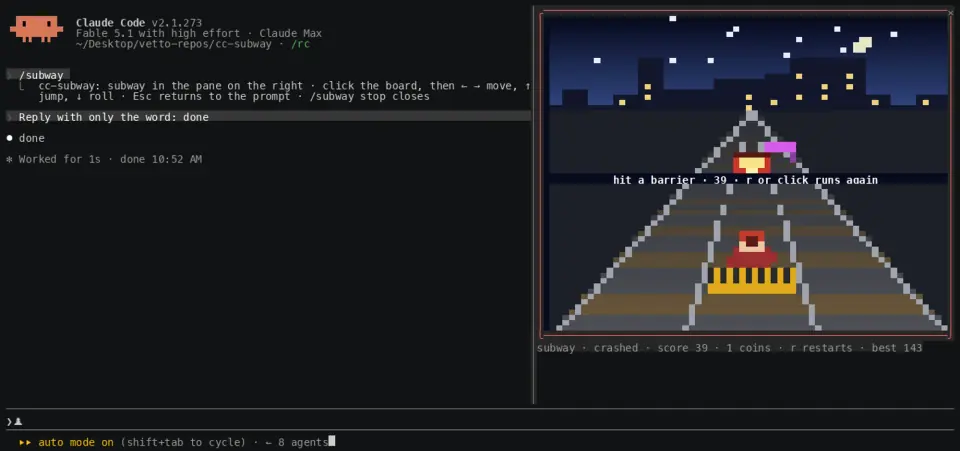
cc-subway runs an endless subway runner in a pane on the right of the Claude Code transcript, for the minutes Claude spends working. Run /subway, click the picture and steer with the arrows: left and right change lane, up jumps a low barrier, down rolls under a high one, and a train means changing lane. Coins score ten and the track speeds up as you go. The plugin answers every key itself, so playing costs no tokens.
Install
Needs Claude Code 2.1.287 or later, an interactive terminal that reports the mouse, and a font with the ▀ half block.
claude plugin marketplace add lucastononro/cc-subway
claude plugin install cc-subway@cc-subway
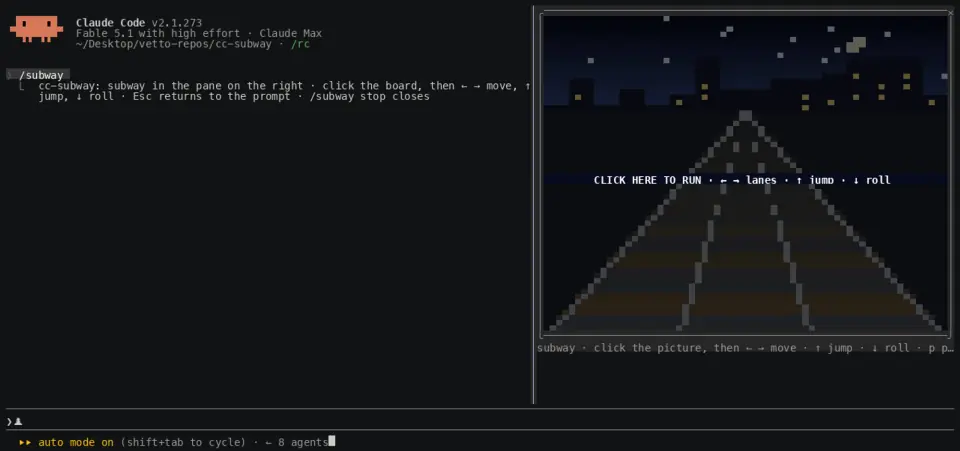
Start claude and run /subway. Click the picture to give it the keyboard. Esc hands the keyboard back to the prompt while the game keeps running. /subway again, /subway stop or ctrl+x x closes the pane.
Where the pane goes
In the fullscreen layout, the default outside tmux, with a terminal at least 110 columns wide, the pane docks on the right of the transcript, so the game and Claude’s replies stay visible side by side. Narrower, in tmux or on the main-screen layout, the same pane sits above the prompt. The picture grows with the pane, up to 72 columns by 30 rows.
Send your prompt, then open the game. When the turn finishes, the picture dims, a yellow banner says Claude is done and the status line turns yellow. A key or a click carries on; Esc takes you to the reply. The best score survives restarts, and beating it shows a toast.
If you would rather have games above the prompt itself, cc-arcade is the pack for that.
How it works
session.start registers /subway, command.run opens or closes the pane, and ui.render mounts the board as a Client element with its own frame clock, keys and mouse. turn.complete bumps a counter the board reads to pause, ui.message receives the score when a round ends, and ui.close notices when you close the pane yourself. The rules tick ten times a second and the picture paints twenty, one pixel per column and two per row.
It reads no tool calls, prompts or files, makes no network calls and never asks the model anything. The only thing it stores is the best score, in the plugin’s store on your machine.
Limitations
- Twenty frames a second, coarse next to a real console.
- The board only gets the keyboard after a click, and never gets Esc, which always returns to the prompt. A terminal that does not report the mouse cannot play.
- Nothing draws in
claude -por the VS Code extension’s chat panel. The author documents the terminal only; the Desktop app’s Code tab is untested. - A clone of the genre. The author states it is not affiliated with or endorsed by SYBO.
Similar Claude Mods
intermission
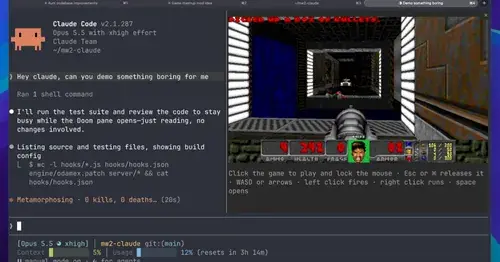
Multiplayer Doom deathmatch in a pane while Claude works, handed back when it needs you.
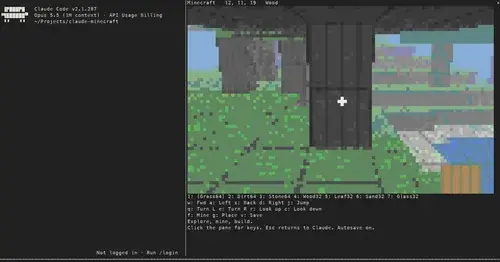
claude-minecraft
A first-person voxel sandbox in its own pane: mine, build and keep your world.
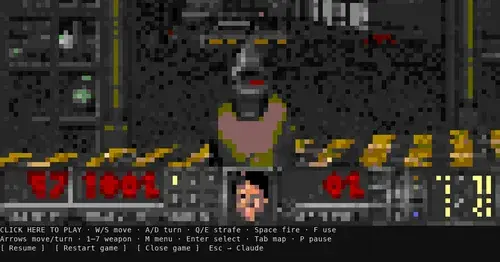
claude-doom
The original Doom engine and Freedoom, playable in a Claude Code pane with /doom.
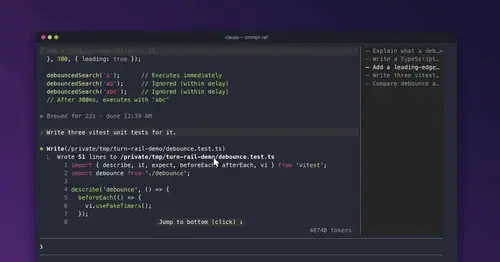
prompt-rail
Your session's prompts as a rail: hover to read one, click to jump back to it.
Popular Claude Mods
The whole directory →
pii-guard
Reversible Taiwanese PII redaction for tool results, prompts and writes, all on loopback.
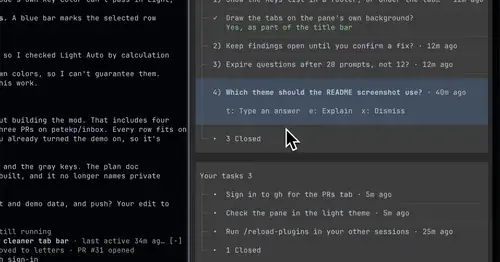
inbox
Claude's questions, your tasks, its findings and your PRs, sorted in one pane.
ripple
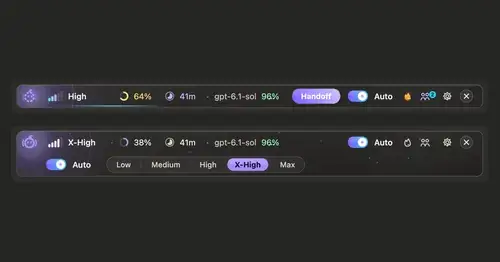
Effort per prompt, subagents routed to GPT, DeepSeek or Claude, and cache warnings.
statusline-anywhere
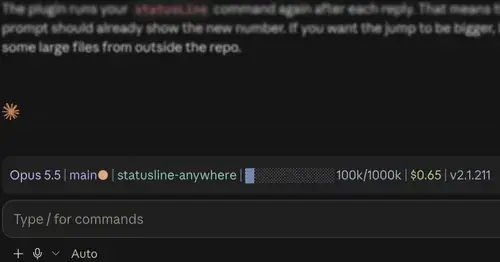
Your Claude Code status line, drawn above the prompt in the Claude Desktop app.