While you wait·terminal·MIT
medan
Due Anki cards above the prompt while Claude works, graded straight into Anki.
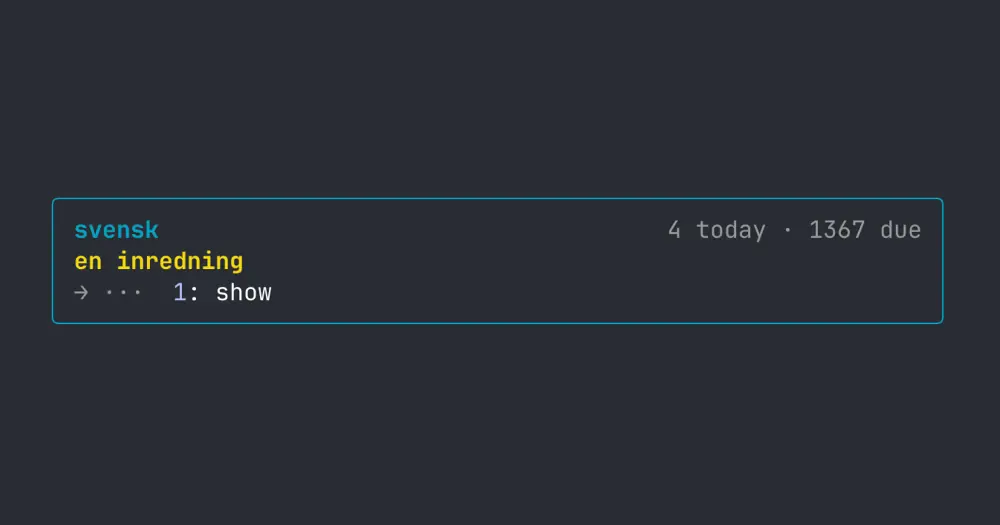
medan turns the wait for Claude into an Anki session. While a turn runs, the band above the Claude Code prompt shows one of your due cards; you reveal the answer with a key, grade it with another, and the grade goes into Anki as a normal review, so Anki schedules the card as usual. When Claude finishes, the band hides. Nothing goes to the model, so it costs zero tokens.
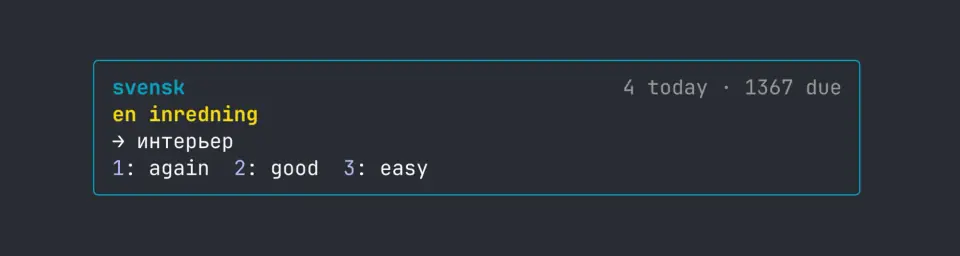
The author’s screenshot uses a custom key layout with Good added. Out of the box, 1 shows the answer, 2 grades Again and 3 grades Easy.
What it does
- The band shows the deck name, how many cards you have reviewed today, how many are due, and the question. The answer stays hidden behind a
showbutton until you press it. - Grades are Again and Easy by default. Hard and Good have no key, so their buttons are hidden until you give them one.
- Card order follows Anki: cards in their learning steps come first, then due reviews in random order, so a session doesn’t always open on the oldest cards.
- Skipped cards go back to the end of the queue. If you never opened a card, the next turn deals a new one; a card you opened waits until you grade it.
- Any note type works. Cards appear as plain text: the answer is what Anki renders after its
<hr id=answer>divider. - When Anki is closed, the band shows a dim offline line. When the deck has nothing due, it says so, with today’s count.
Install
Needs Claude Code 2.1.287 or later, plus Anki desktop, open while you work, with the AnkiConnect add-on. In Anki, open Tools, Add-ons, Get Add-ons, enter the code 2055492159 and restart Anki.
claude plugin marketplace add avlihachev/medan
claude plugin install medan@medan
medan reviews the deck called Default, subdecks included. To use another, set deck in /config or in ~/.claude/settings.json:
"pluginConfigs": {
  "medan": { "options": { "deck": "Japanese" } }
}
Send a prompt and the first card appears while Claude works.
Keys
The same settings hold showKey, againKey, hardKey, goodKey and easyKey. Each takes one digit or one lowercase letter, and an empty key hides that button. For Anki’s own layout, set Again to 1, Hard to 2, Good to 3 and Easy to 4.
Digits work while the prompt is empty. Letters only reach the band once it has focus: click it or press ctrl+x tab. If the show key is also a grade key, a grade pressed within 0.4 seconds of revealing is ignored, so a double tap doesn’t grade a card you haven’t read.
How it works
The mod hooks turn.start and draws on ui.render, only while Claude is working. It talks to Anki through AnkiConnect, an Anki add-on that answers JSON requests over HTTP. At each turn start it asks for the deck’s due and learning cards, checks that the next ones are still due, fetches the card’s question and answer, and refreshes the two counts. Grading a card sends one more request with your answer.
Those requests go to http://localhost:8765 by default, so the traffic stays on your machine; the ankiConnectUrl setting points it elsewhere. That is the only network access. medan reads card text from your collection and writes only your grades, as reviews. It reads no prompts, tool calls or files and writes no files of its own: the current card and the queue live in the mod’s state inside Claude Code.
Limitations
- You can only answer while Claude is working: the band hides the moment the turn ends, even halfway through a card.
- Text only: images become
[image], sounds are dropped and formatting is lost, so cards built on pictures or audio don’t work well. - Anki has to be running for the band to show cards; AnkiConnect lives inside the desktop app.
- Draws only in interactive sessions, so nothing appears in
claude -por the VS Code extension’s chat panel. The author doesn’t say whether it works in the Desktop app’s Code tab.
Similar Claude Mods
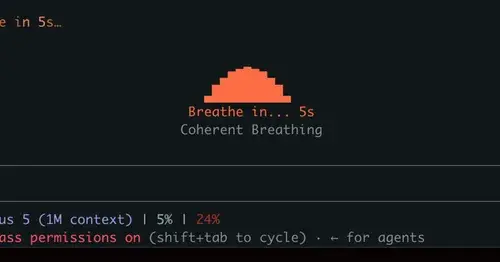
mindful-claude
Guided breathing above the prompt while Claude works. Four techniques, zero tokens.
Storytime
A 260K-parameter transformer inside the mod writes a story about what Claude is doing.
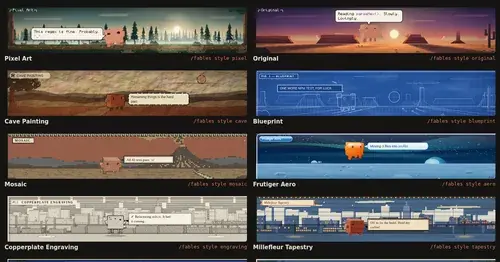
Claude Fables
Short animated cartoons of Claude's work above the prompt, scripted by Sonnet or Haiku.
claude-pokemon
A pixel Pokémon above the prompt that follows Claude's tools, levels up and evolves.
Popular Claude Mods
The whole directory →terminal-browser
A Chromium browser in a pane beside the transcript, for previews and agent browsing.
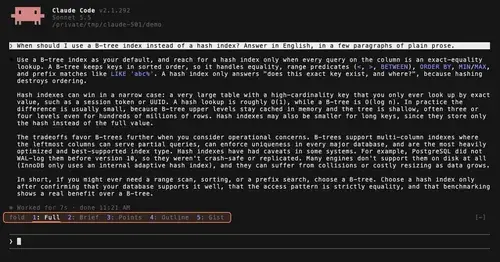
TextFold
Every reply at five levels, from every word to the answer in one sentence. One key each.
collision-guard
Asks before Claude edits a file another open chat just changed.
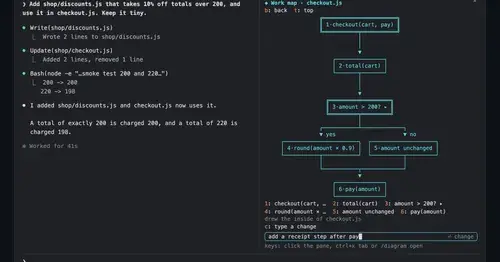
diagram-pane
Every diagram Claude draws, pinned in a side pane, plus a live map of the work.