Dashboards·terminal·MIT
change-ledger
Every file the session edited, with line counts and agents, above the git working tree.
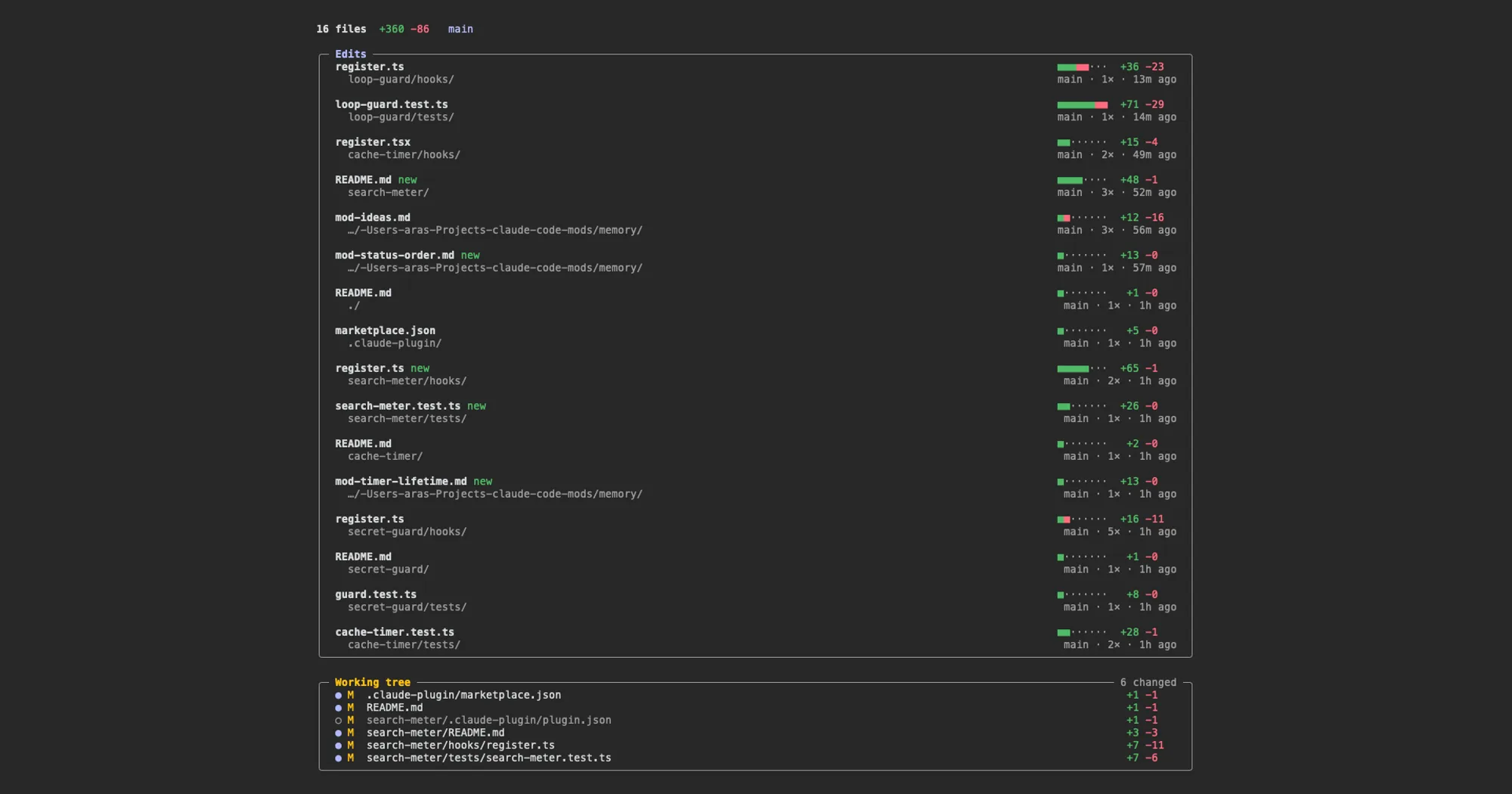
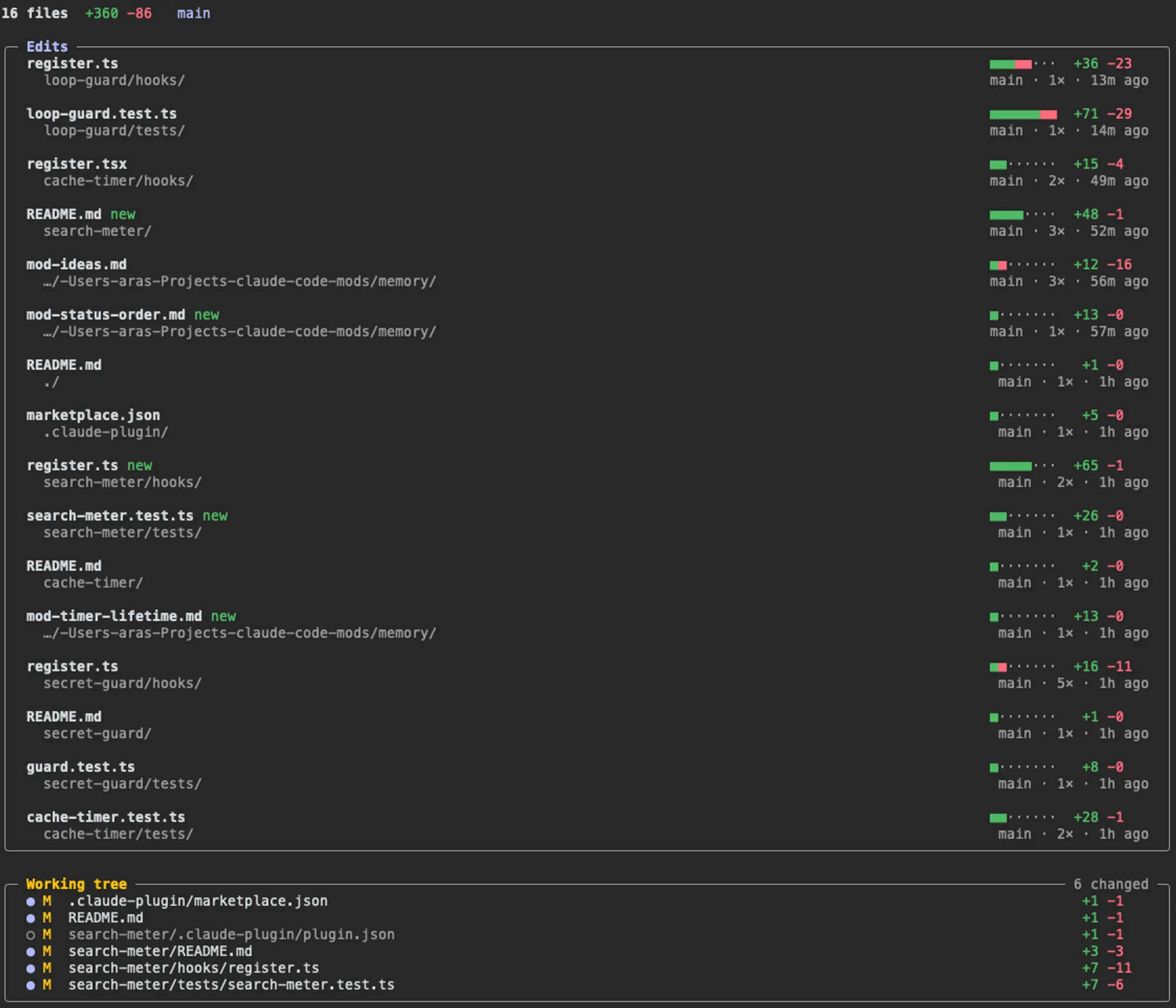
change-ledger lists every file the Claude Code session has edited or written, with lines added and removed, which agent made the change and how long ago. Below it sits the repository’s git working tree with the session’s files marked, so a change made outside the session stands out. /changes opens it in a pane.
What it does
- Top line: files changed, total lines added and removed, and the branch with its commits ahead and behind.
- Edits: newest first. Each file gets a diffstat bar, a
newtag if the session created it, its folder, the agents that touched it (mainor a subagent type), the number of edits and the time since the last one. - Working tree:
git statusfor the repository, with line counts. Paths the session edited get a filled dot●; everything else gets an empty one○, whether it was you, a formatter or a shell command. The frame shows eight paths and folds the rest into a count.
Install
Needs Claude Code 2.1.287 or later, plus git and a session started inside a git repository for the working tree view.
claude plugin marketplace add arasovic/claude-code-mods
claude plugin install change-ledger@claude-code-mods
Restart Claude Code and run /changes. Panes open as tabs, so it shares the dock with other mod panes. When it cannot dock, the command replies with the reason it is waiting.
It is one of twelve mods in the author’s marketplace, each installed separately: cache-timer, change-ledger, compact-keeper, guardrails, image-peek, loop-guard, search-meter, secret-guard, session-meter, show-me, turn-footer and turn-timeline.
How it works
The mod hooks the Edit and Write tools through tool.call. An edit’s line counts come from the edit itself, leaving out the lines the old and new text share at either end. Before a Write it reads the file once, so an overwrite counts the old lines as removed. Edits that fail or are denied are not recorded.
For the working tree it runs two local git commands, git status --porcelain=v1 --branch and git diff --numstat HEAD, when you open the pane and after each turn of the main loop. Neither contacts a remote, so ahead and behind reflect your last fetch. The mod makes no network calls.
Limitations
- Only Edit and Write are tracked. Files changed by a shell command, such as
sedor a code generator, show in the working tree but not in Edits. - Without a git repository at session start there is no working tree view.
- The author documents it only in the terminal.
More mods
The whole directory →
agent-flow
Every subagent of the session in a live tree beside the transcript. Zero tokens.
agent-profiler
Model wait, tools and subagents as shares of session time, live, with OTLP export.
todos
The repo's TODOs and FIXMEs above the prompt at session start, newest first.
budget-guard
Warns at 80% of a cost or plan-window limit you set, then refuses tool calls past it.